OpenWrt-nikki 是基于 Clash 最新版本的内核 mihome 的 OpenWrt 客户端代理软件;和 OpenClash 相比更加简单,支持 OpenWrt 23.05 及以上的版本
安装
通过软件源安装
OpenWrt-nikki 提供了软件源,添加软件源后可以通过 opkg/apt 安装
通过脚本添加软件源
登录 OpenWrt 执行以下命令
curl -s -L https://github.com/nikkinikki-org/OpenWrt-nikki/raw/refs/heads/main/feed.sh | ash
执行后会将以下内容添加到 /etc/opkg/customfeeds.conf 文件中:
src/gz nikki https://nikkinikki.pages.dev/openwrt-24.10/x86_64/nikki
安装
通过 opkg 安装即可(如果用的是 apt,则将 opkg 替换为 opkg 即可)
- 更新
opkg update
root@OpenWrt:/etc/opkg# opkg update
Downloading https://nikkinikki.pages.dev/openwrt-24.10/x86_64/nikki/Packages.gz
Updated list of available packages in /var/opkg-lists/nikki
Downloading https://nikkinikki.pages.dev/openwrt-24.10/x86_64/nikki/Packages.sig
Signature check passed.
Downloading https://downloads.openwrt.org/releases/24.10.0-rc5/targets/x86/64/packages/Packages.gz
Updated list of available packages in /var/opkg-lists/openwrt_core
Downloading https://downloads.openwrt.org/releases/24.10.0-rc5/targets/x86/64/packages/Packages.sig
Signature check passed.
Downloading https://downloads.openwrt.org/releases/24.10.0-rc5/packages/x86_64/base/Packages.gz
Updated list of available packages in /var/opkg-lists/openwrt_base
Downloading https://downloads.openwrt.org/releases/24.10.0-rc5/packages/x86_64/base/Packages.sig
Signature check passed.
Downloading https://downloads.openwrt.org/releases/24.10.0-rc5/targets/x86/64/kmods/6.6.69-1-5509b70aad67fe27570100db8e5f3b66/Packages.gz
Updated list of available packages in /var/opkg-lists/openwrt_kmods
Downloading https://downloads.openwrt.org/releases/24.10.0-rc5/targets/x86/64/kmods/6.6.69-1-5509b70aad67fe27570100db8e5f3b66/Packages.sig
Signature check passed.
Downloading https://downloads.openwrt.org/releases/24.10.0-rc5/packages/x86_64/luci/Packages.gz
Updated list of available packages in /var/opkg-lists/openwrt_luci
Downloading https://downloads.openwrt.org/releases/24.10.0-rc5/packages/x86_64/luci/Packages.sig
Signature check passed.
Downloading https://downloads.openwrt.org/releases/24.10.0-rc5/packages/x86_64/packages/Packages.gz
Updated list of available packages in /var/opkg-lists/openwrt_packages
Downloading https://downloads.openwrt.org/releases/24.10.0-rc5/packages/x86_64/packages/Packages.sig
Signature check passed.
Downloading https://downloads.openwrt.org/releases/24.10.0-rc5/packages/x86_64/routing/Packages.gz
Updated list of available packages in /var/opkg-lists/openwrt_routing
Downloading https://downloads.openwrt.org/releases/24.10.0-rc5/packages/x86_64/routing/Packages.sig
Signature check passed.
Downloading https://downloads.openwrt.org/releases/24.10.0-rc5/packages/x86_64/telephony/Packages.gz
Updated list of available packages in /var/opkg-lists/openwrt_telephony
Downloading https://downloads.openwrt.org/releases/24.10.0-rc5/packages/x86_64/telephony/Packages.sig
Signature check passed.
- 安装
opkg install nikki
opkg install luci-app-nikki
opkg install luci-i18n-nikki-zh-cn
root@OpenWrt:/etc/opkg# opkg install nikki
Installing nikki (2025.05.13~266fb038-r1) to root...
Downloading https://nikkinikki.pages.dev/openwrt-24.10/x86_64/nikki/nikki_2025.05.13~266fb038-r1_x86_64.ipk
Installing kmod-nf-socket (6.6.69-r1) to root...
Downloading https://downloads.openwrt.org/releases/24.10.0-rc5/targets/x86/64/kmods/6.6.69-1-5509b70aad67fe27570100db8e5f3b66/kmod-nf-socket_6.6.69-r1_x86_64.ipk
Installing kmod-nft-socket (6.6.69-r1) to root...
Downloading https://downloads.openwrt.org/releases/24.10.0-rc5/targets/x86/64/kmods/6.6.69-1-5509b70aad67fe27570100db8e5f3b66/kmod-nft-socket_6.6.69-r1_x86_64.ipk
Configuring kmod-nf-socket.
Configuring kmod-nft-socket.
Configuring nikki.
root@OpenWrt:/etc/opkg# opkg install luci-app-nikki
Installing luci-app-nikki (1.22.3-r1) to root...
Downloading https://nikkinikki.pages.dev/openwrt-24.10/x86_64/nikki/luci-app-nikki_1.22.3-r1_all.ipk
Configuring luci-app-nikki.
root@OpenWrt:/etc/opkg# opkg install luci-i18n-nikki-zh-cn
Installing luci-i18n-nikki-zh-cn (25.133.29857~0832917) to root...
Downloading https://nikkinikki.pages.dev/openwrt-24.10/x86_64/nikki/luci-i18n-nikki-zh-cn_25.133.29857~0832917_all.ipk
Configuring luci-i18n-nikki-zh-cn.
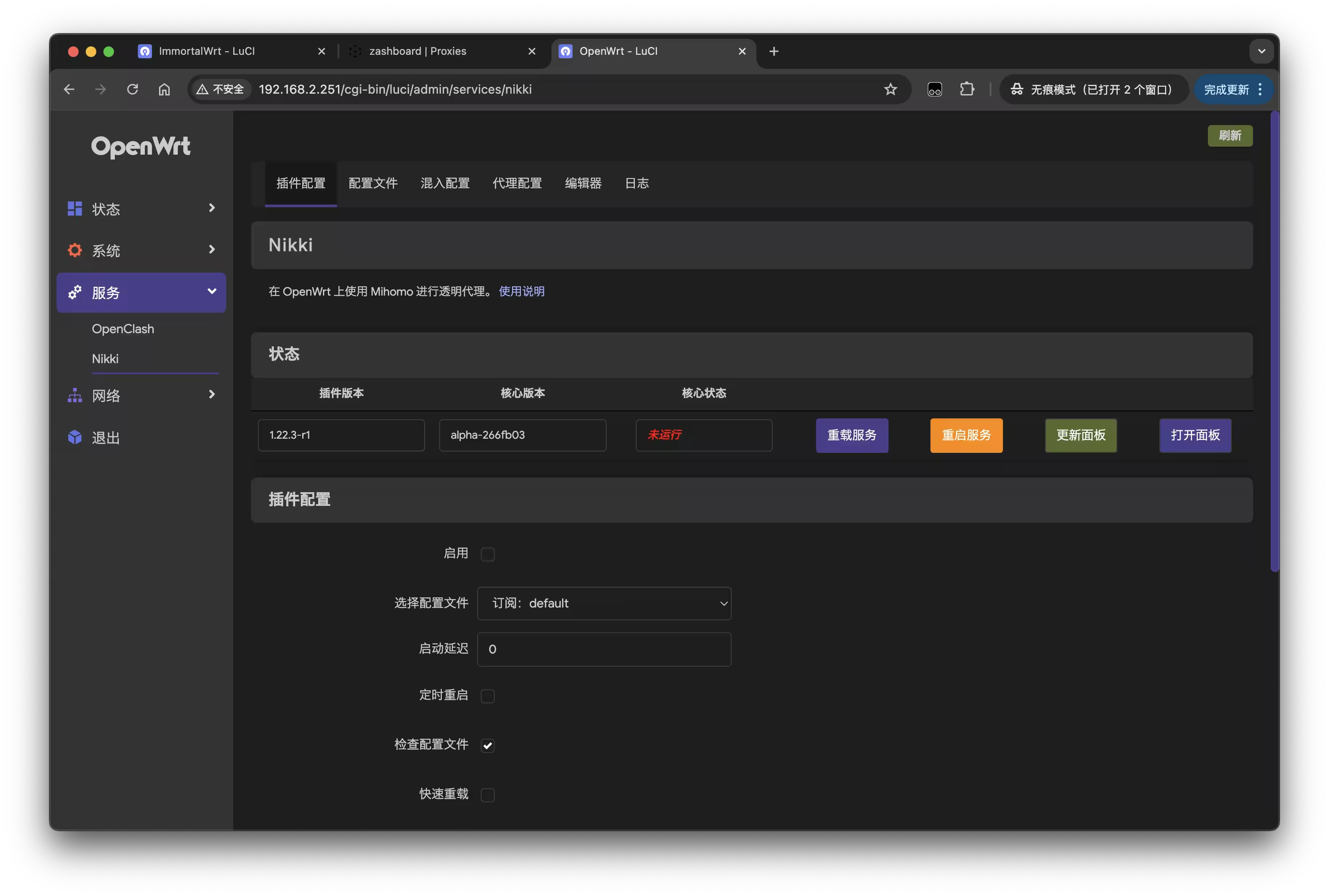
安装完成后重启,登录 OpenWrt 后在服务中可以看到 nikki 服务
配置
准备配置文件
配置文件可以使用机场的订阅,也可以使用自己的配置文件
- 从订阅源下载
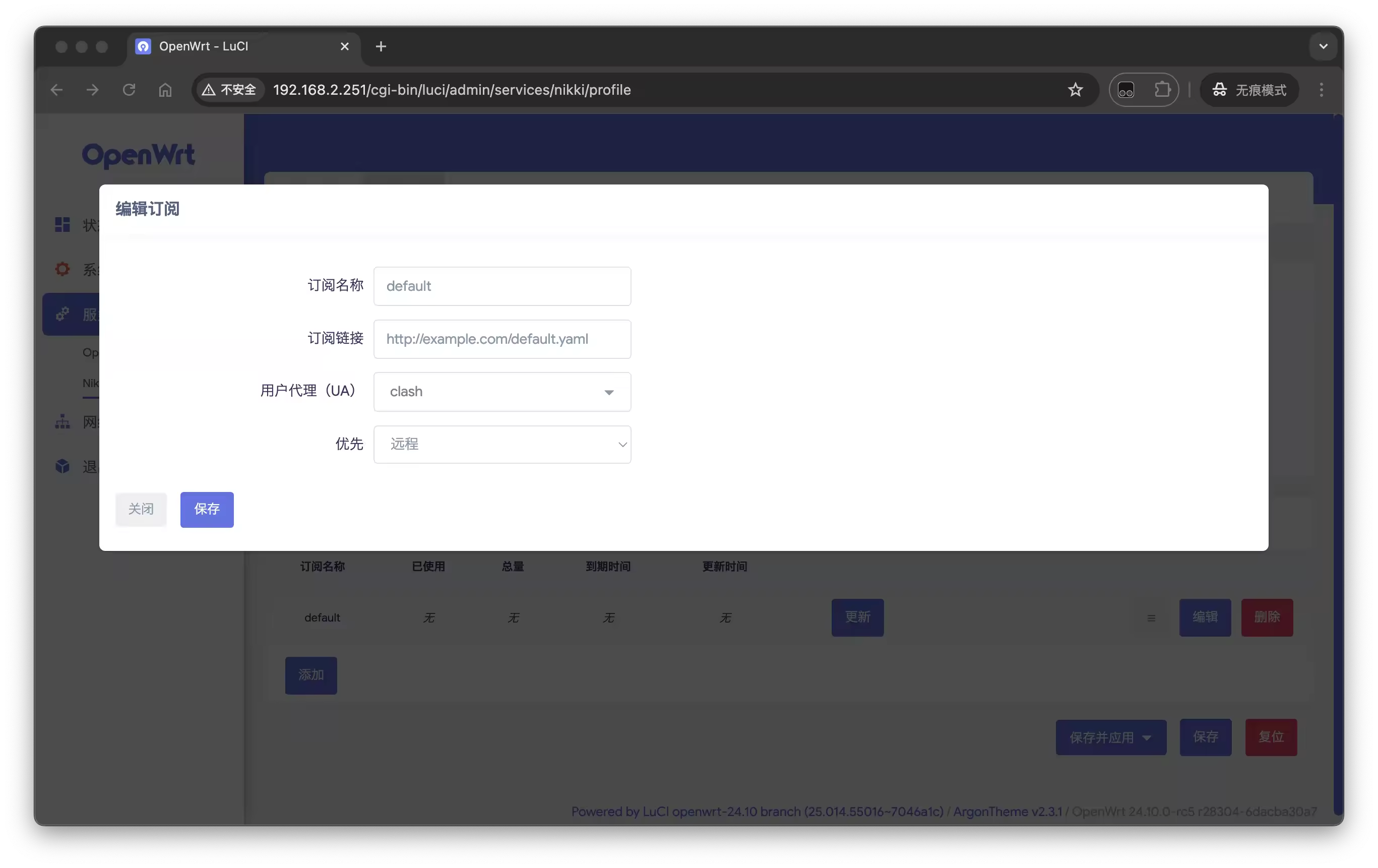
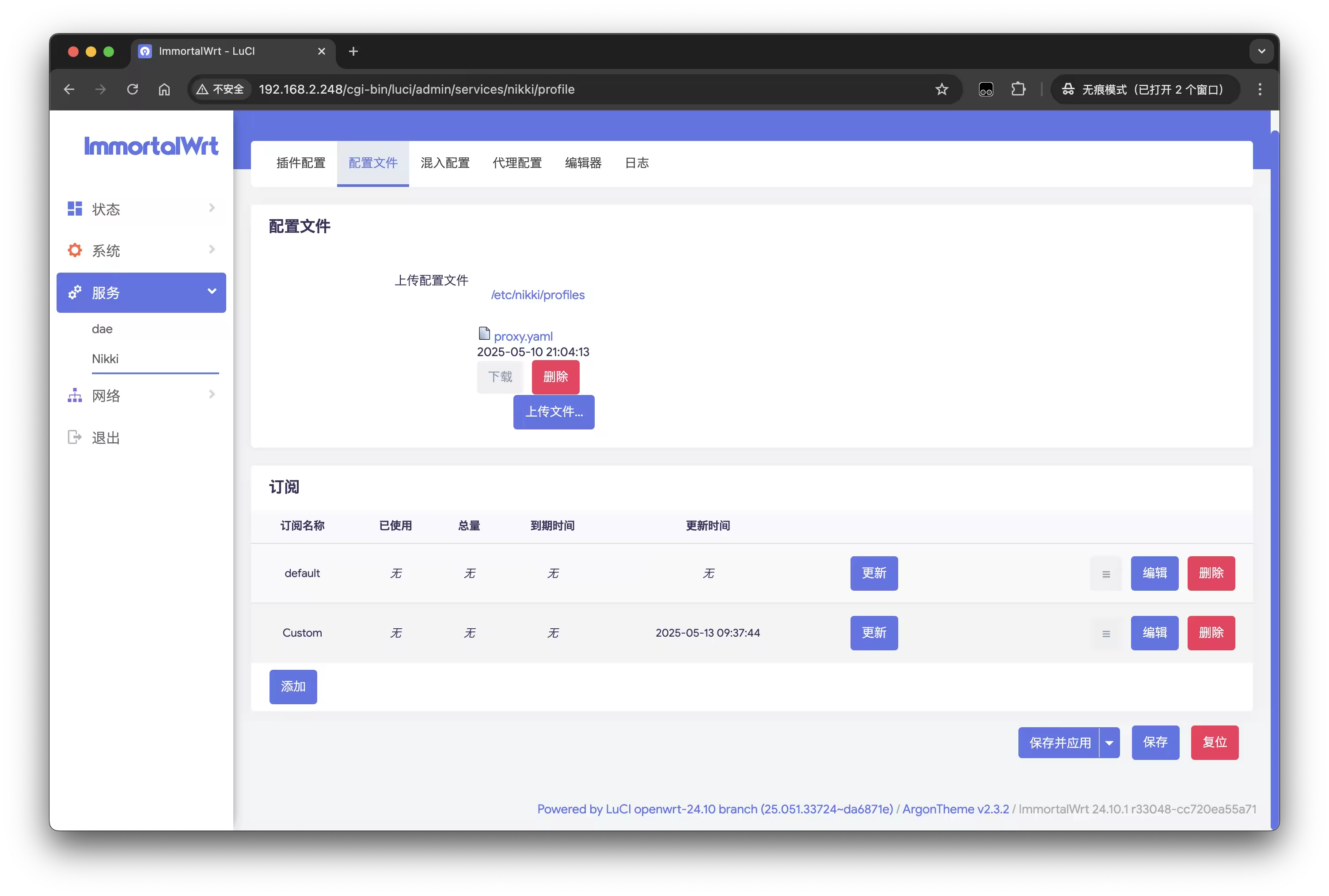
在 nikki - 配置文件 - 订阅中添加订阅源, 输入名称和订阅地址,保存后会自动下载配置文件;更新后选择保存并应用
- 上传配置文件
在 nikki - 配置文件 - 配置文件中选择上传文件,上传配置文件后保存即可
启用配置
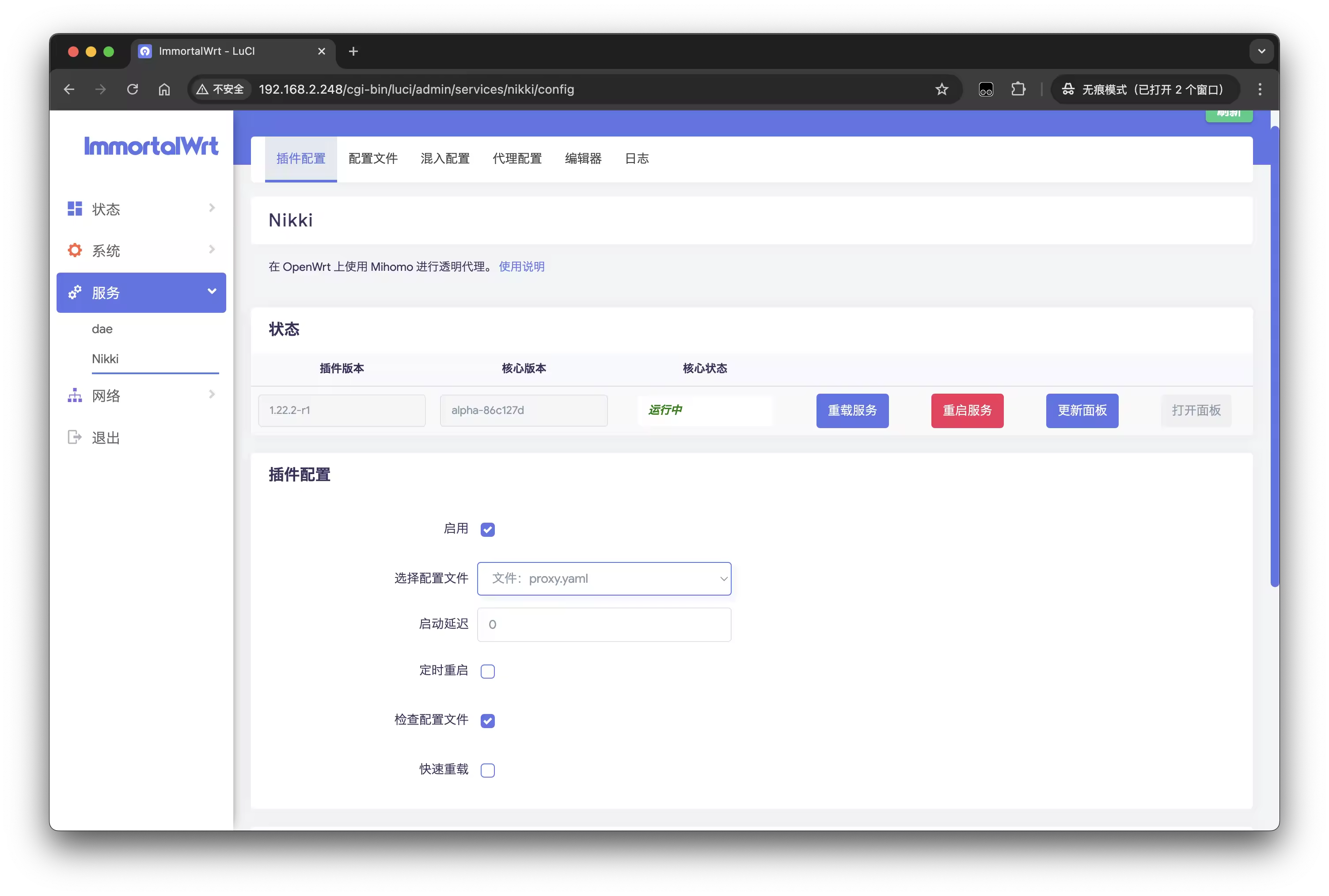
在 nikki - 插件配置 - 插件配置中选择刚才下载或上传的配置文件,选择启用,保存并应用后在状态重启服务,就可以启动 Nikki 服务了
下载面板
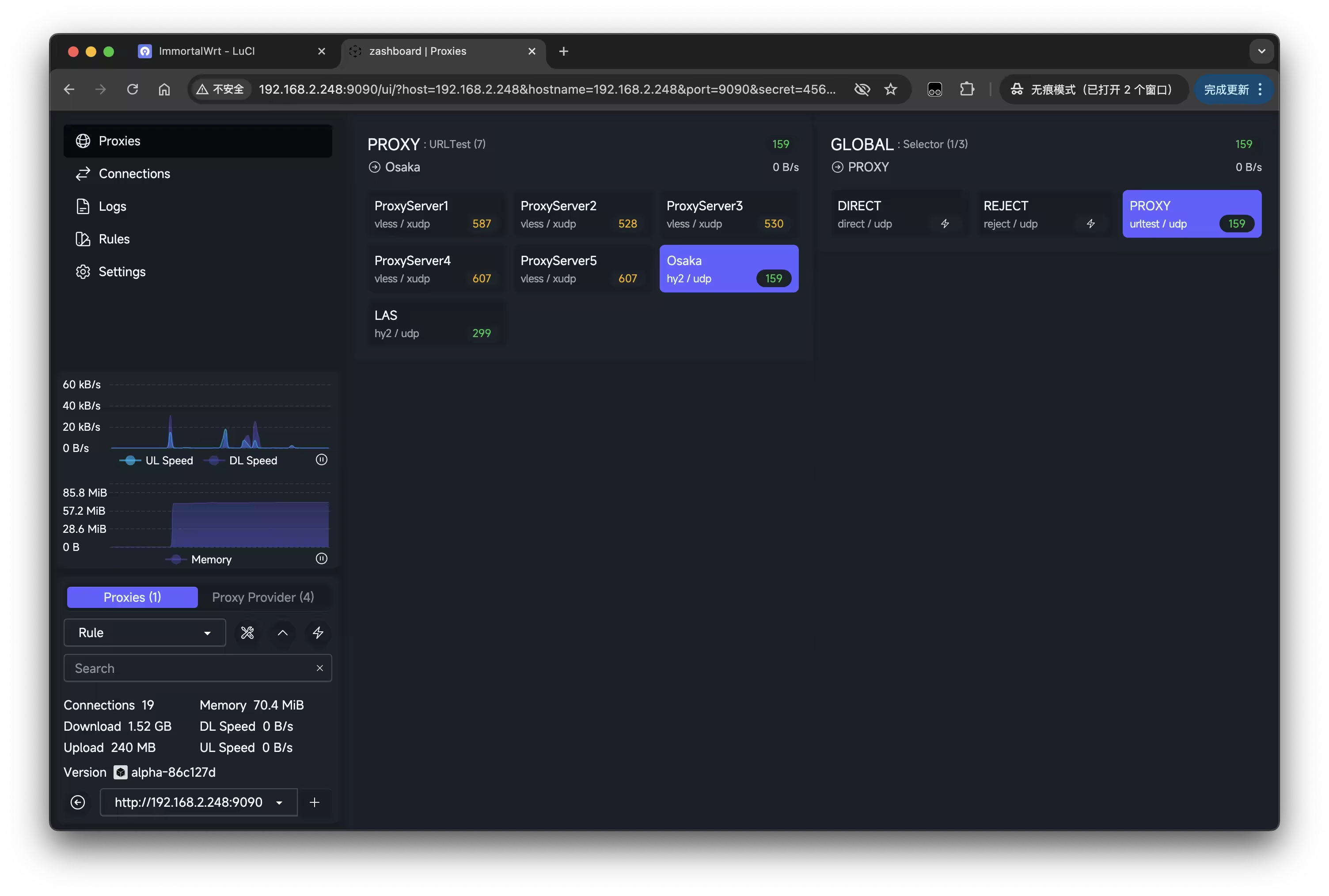
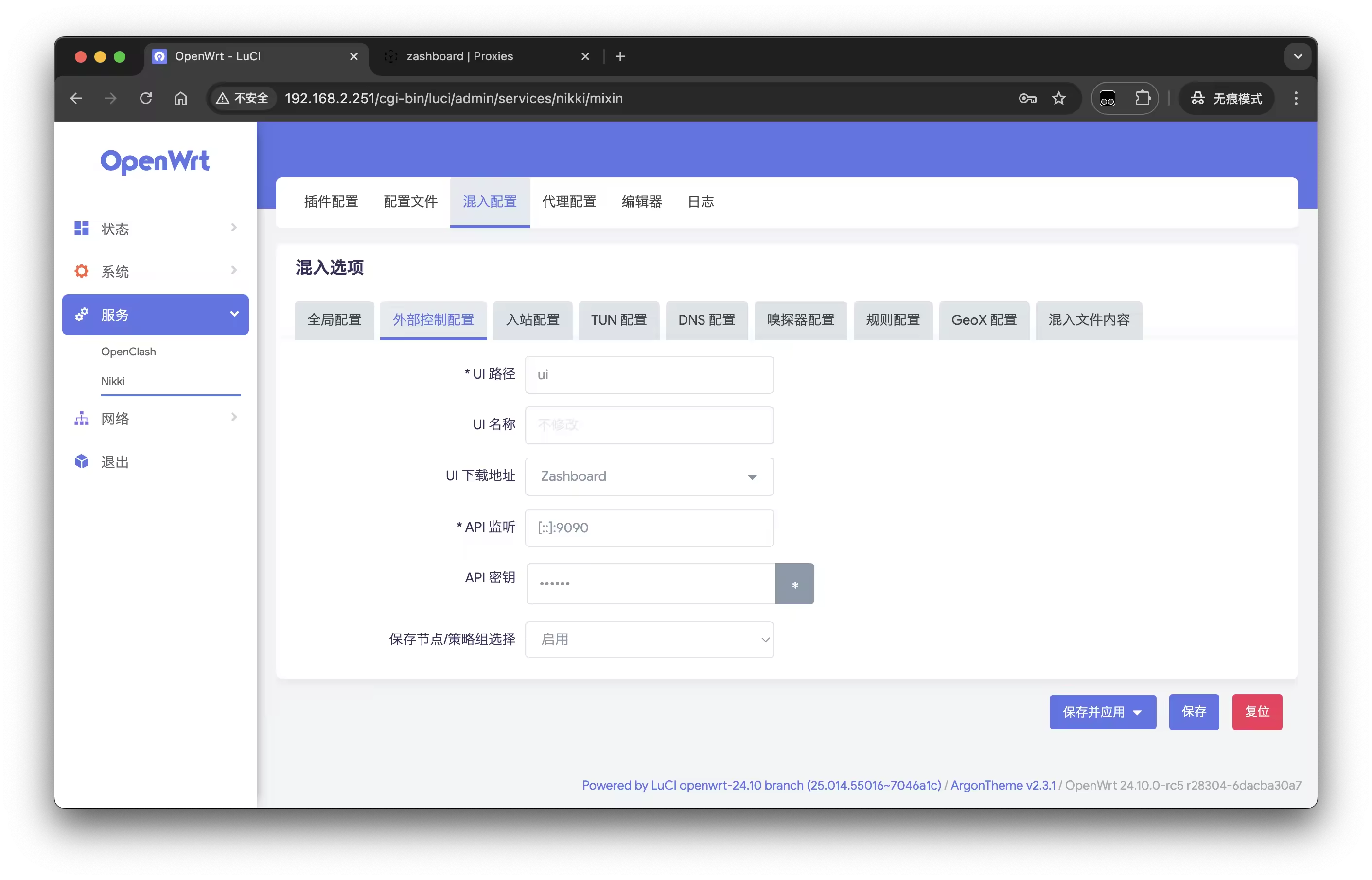
在 nikki - 混入配置 - UI下载地址中选择需要的面板,点击保存并应用后,回到插件配置 - 状态 - 更新面板,更新完成后重启服务,此时选择打开面板就可以看到对应的 UI 面板了
配置代理
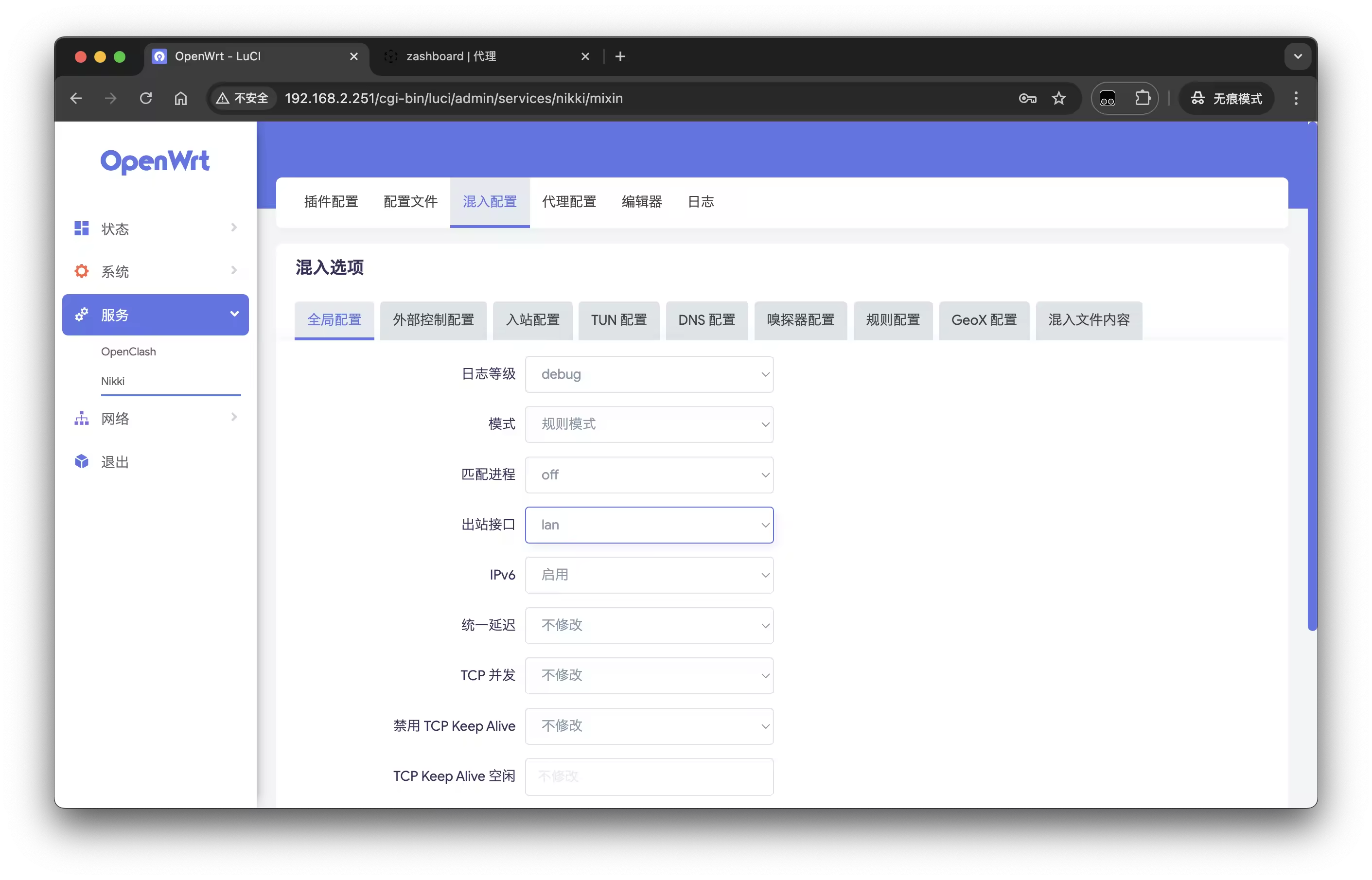
在 nikki - 混入配置 - 全局配置中修改出站接口,选择 Lan 接口,保存并应用后重启服务
使用
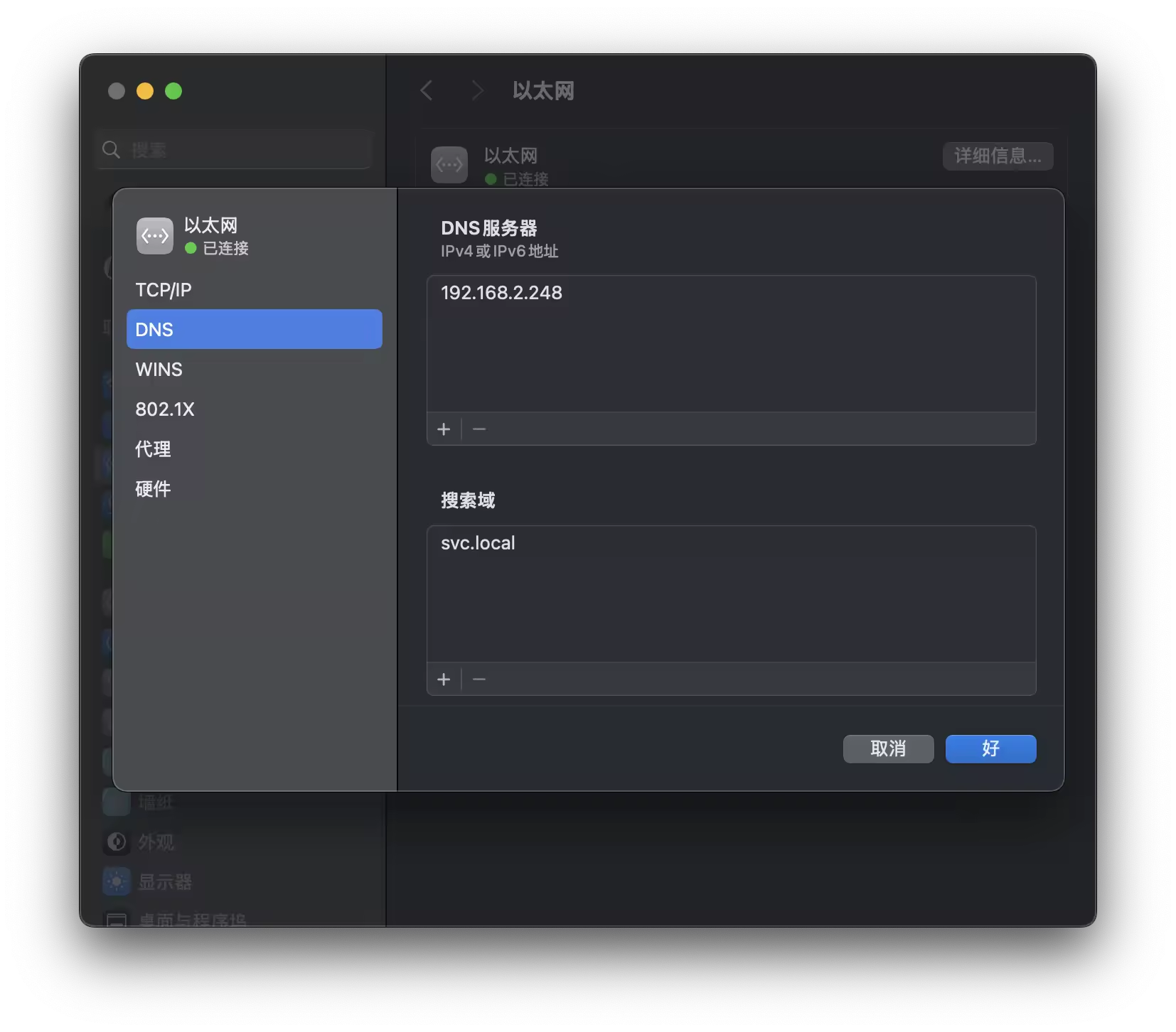
使用时需要指定网关地址和 DNS 地址为 OpenWrt 的地址;如果只指定网关地址,部分无法嗅探的地址可能无法访问
- 修改网关地址
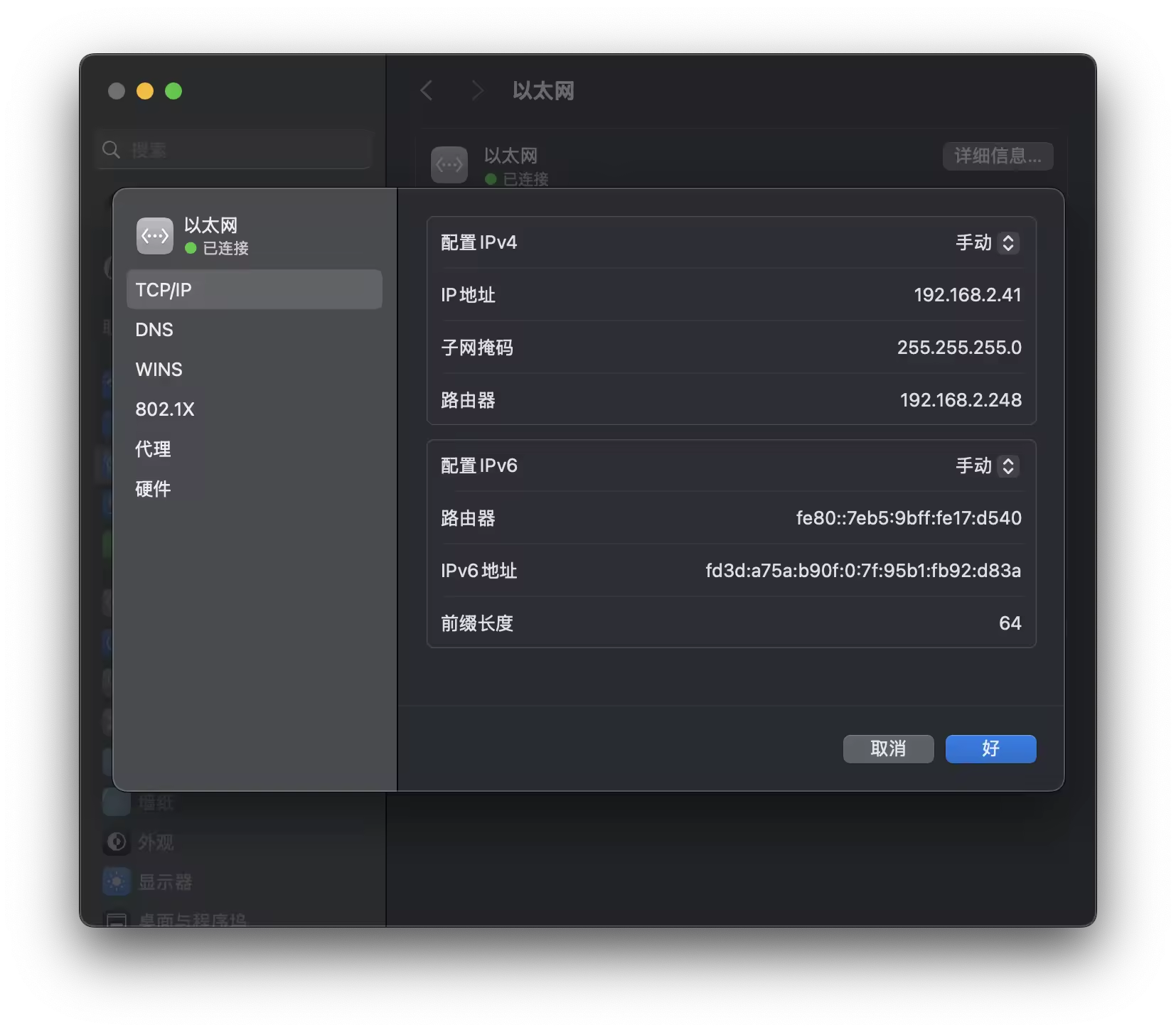
- 修改 DNS 地址